Build beautifully
Choose every question type, shape welcome screens and endings, and give the whole conversation a visual voice.
From first question to useful answer
Design a natural conversation, publish changes confidently, and understand every response from one focused workspace.
Build your first form →Build visually
Content, live preview, and question settings stay together. Build from a template or a blank form, reorder questions, add branches, and see the respondent experience before you publish.
Explore the visual builder →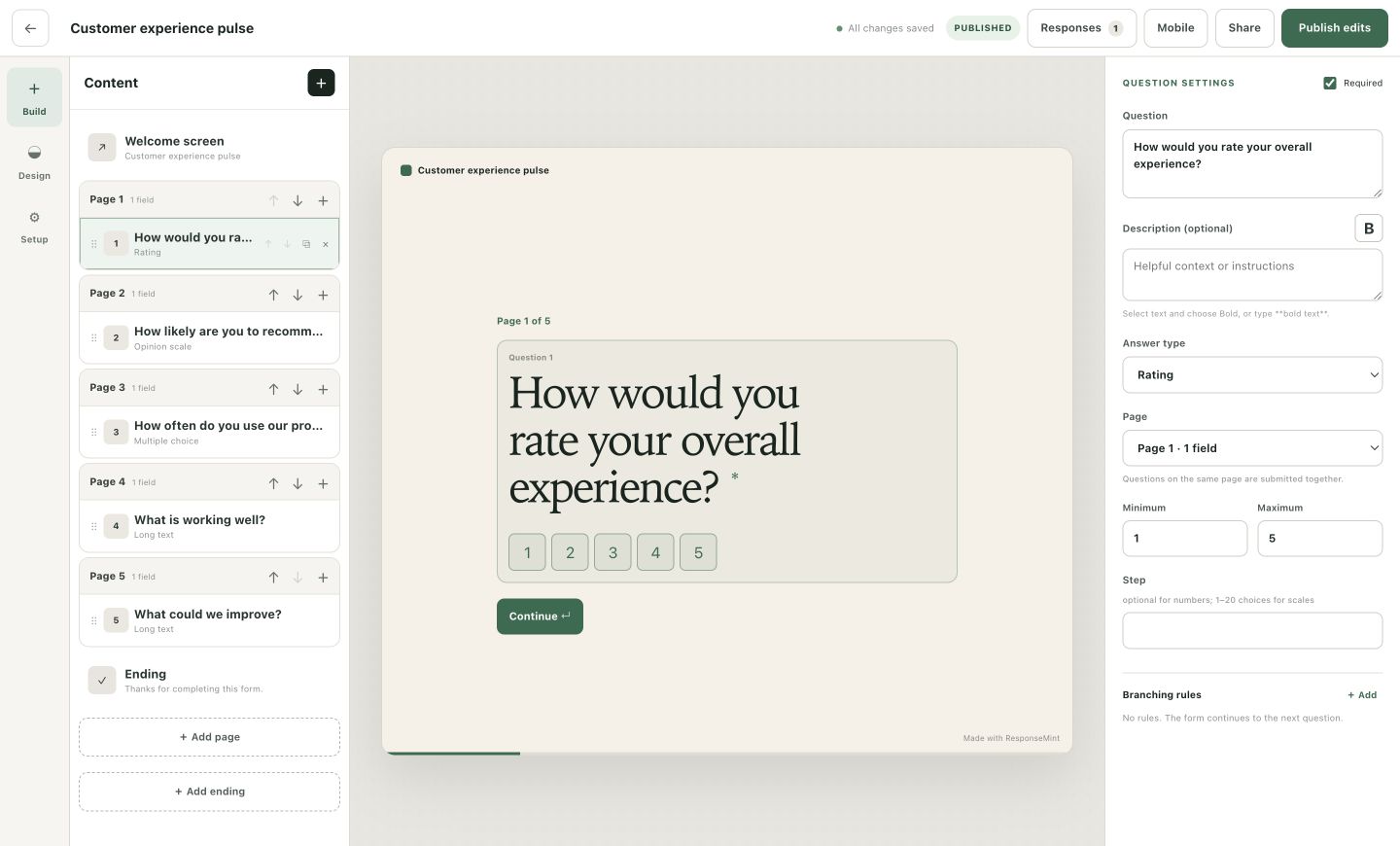
Everything included
Choose every question type, shape welcome screens and endings, and give the whole conversation a visual voice.
Show the next relevant question or ending with simple branching—without building a logic maze.
Draft and preview freely, then publish only when the next version is ready.
One-question flow, keyboard shortcuts, clear progress, mobile layouts, and local resume keep people moving.
Understand views, starts, submissions, completion, time to finish, and where people leave.
Search the response inbox, open answers in context, and export the complete form history to CSV.
Accept documents and images alongside the rest of a response without sending people elsewhere.
Turnstile, a honeypot, server-side validation, and rate limits help keep anonymous forms usable.
Use stable public links, embeds, and hidden campaign fields while preserving the exact form version answered.
Designed for the person answering
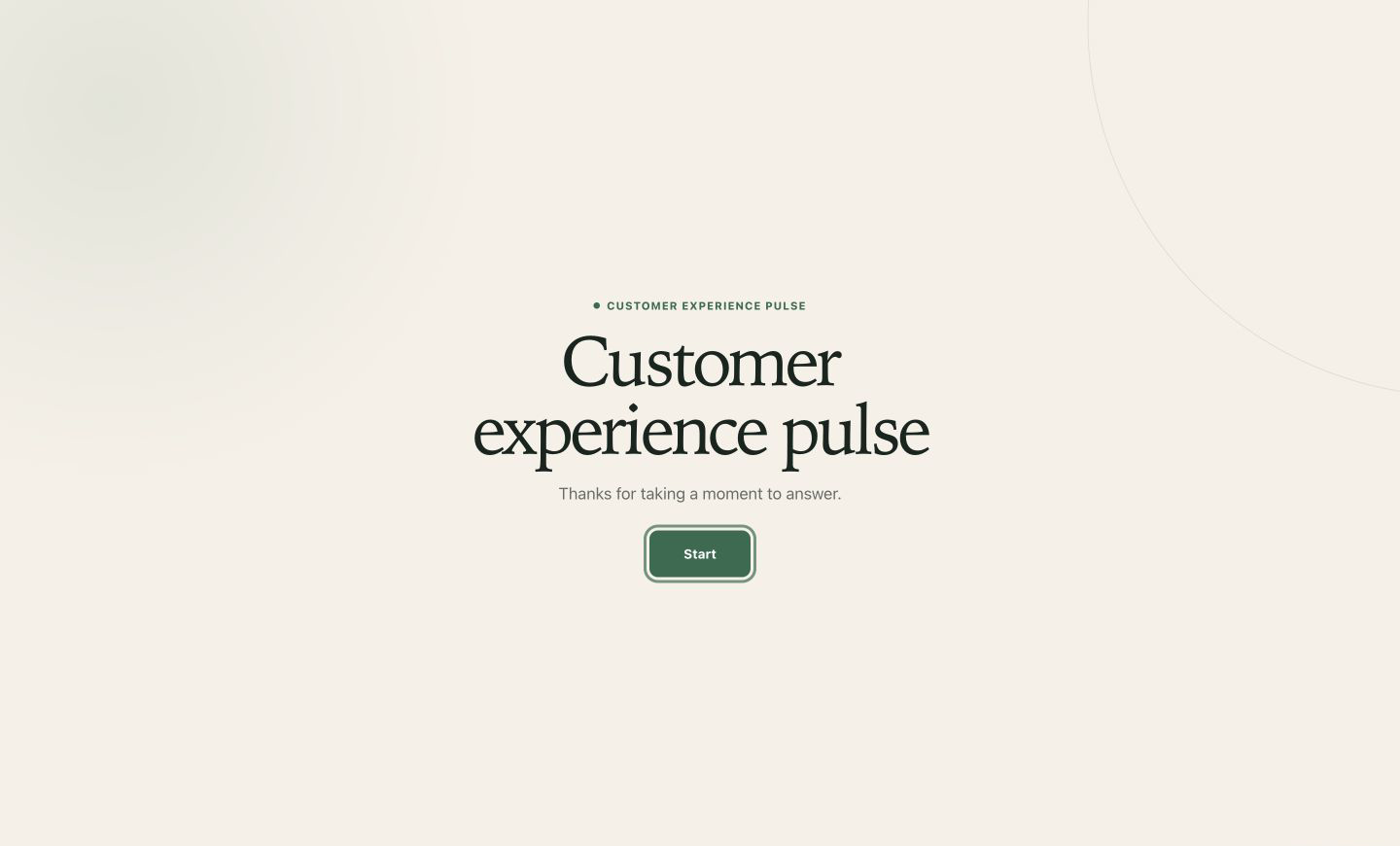
Welcome people properly, show progress, keep validation close to the answer, and let keyboard and touch users move with the same natural rhythm.
Answers with context
Follow views, starts, completion, and question coverage. Search individual answers, inspect the exact published version, and export complete form history to CSV.
Explore response analytics →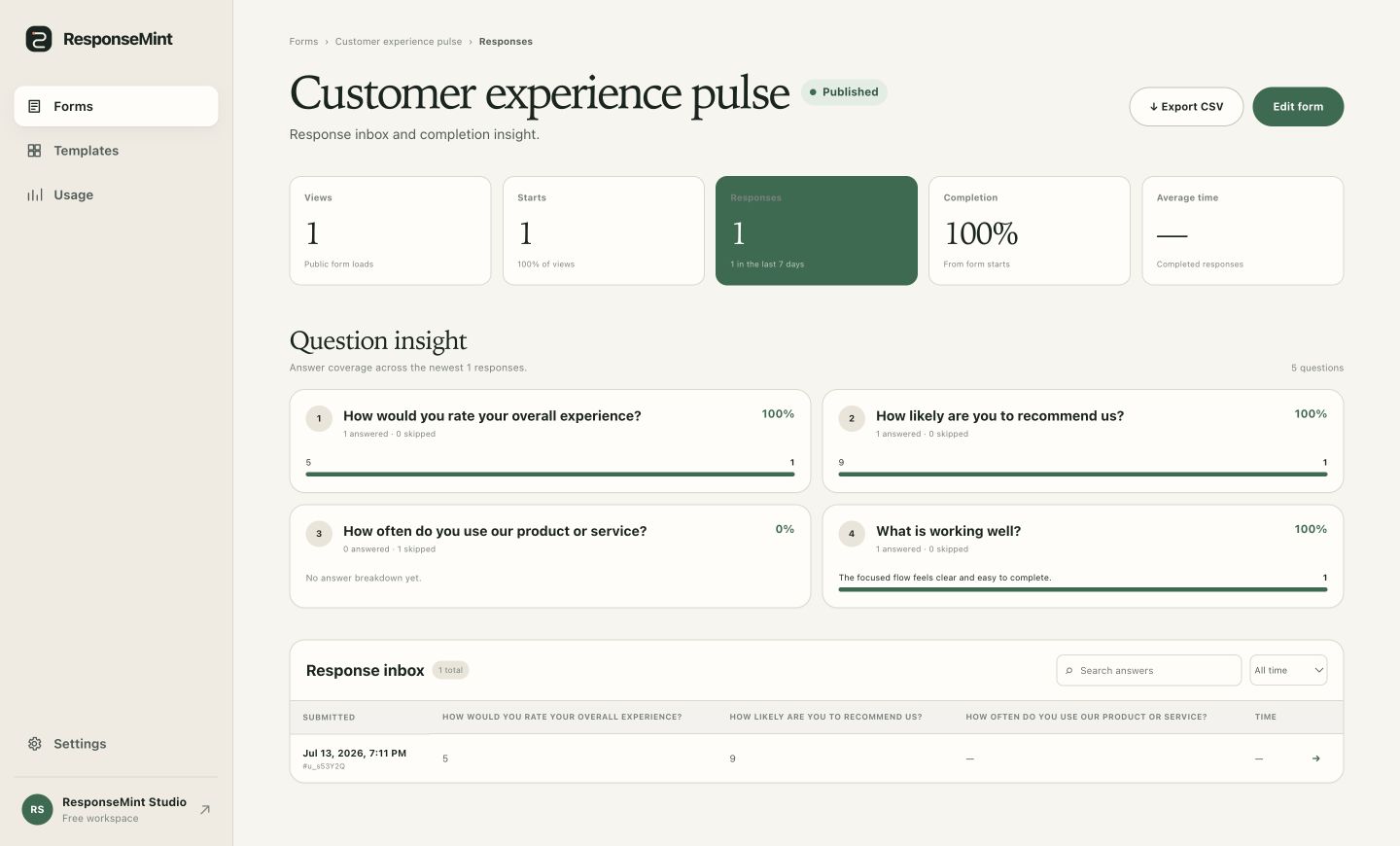
Publish with confidence
Each published version preserves the questions people saw, so historical responses stay understandable even while the form keeps getting better.
See versioned publishing →