Reduce cognitive load
A single question, clear answer control, and obvious next action make each step easier to understand.
Respondent experience
Long forms feel shorter when people always know what to do next. ResponseMint turns your question set into a focused, keyboard- and touch-friendly conversation with progress, relevant follow-ups, and clear endings.
The respondent promise
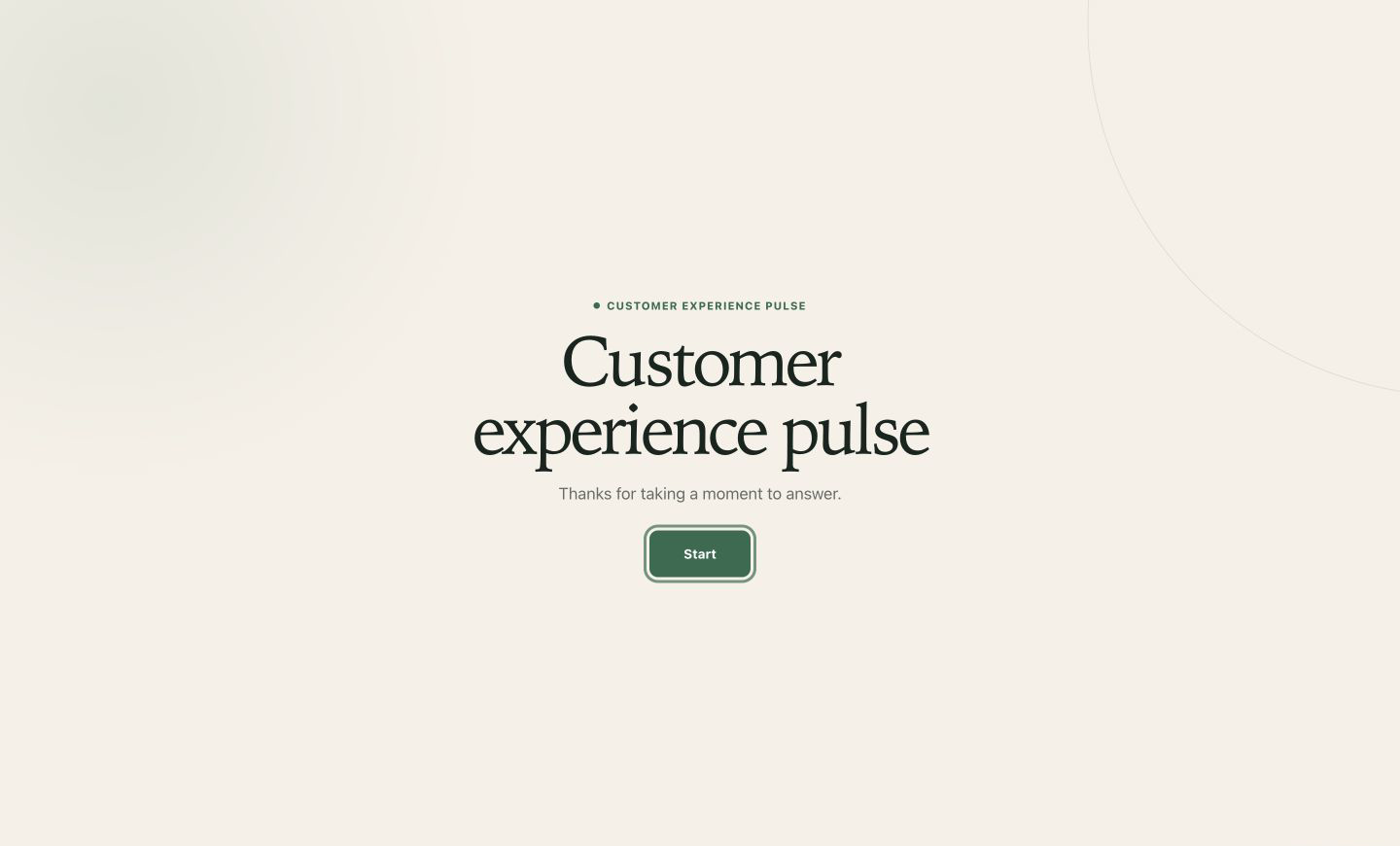
Designed for completion
The interface gets out of the way so respondents can concentrate on the answer—and your team can collect cleaner context.
A single question, clear answer control, and obvious next action make each step easier to understand.
Responsive layouts, large controls, and a focused mobile view keep the form comfortable for thumbs and keyboards.
Use different endings, buttons, or redirects to give qualified leads, applicants, and feedback respondents a relevant next step.
What you can do
Set expectations before the first question with a concise title, description, and start action.
Give the title, helpful description, answer control, and validation their own uncluttered space.
Move forward, go back, use the keyboard, and keep the current position understandable throughout the form.
Branch around unnecessary questions or route to an outcome-specific ending based on the answer.
Show a progress bar, a percentage, or no indicator, with the active path reflected in the experience.
When enabled, save in-progress answers locally so an interrupted respondent can continue in the same browser tab.
A practical workflow
Start with context, ask one useful thing, follow the answer when necessary, and finish with a clear next step.
Explain what the form is for and how the answer will be used before asking for effort.
Build momentum with a clear choice or rating before requesting longer context.
Use branching to ask the next useful question and skip everything that no longer applies.
Send the respondent to the right ending, button, or redirect based on the path they completed.
Built and previewed together
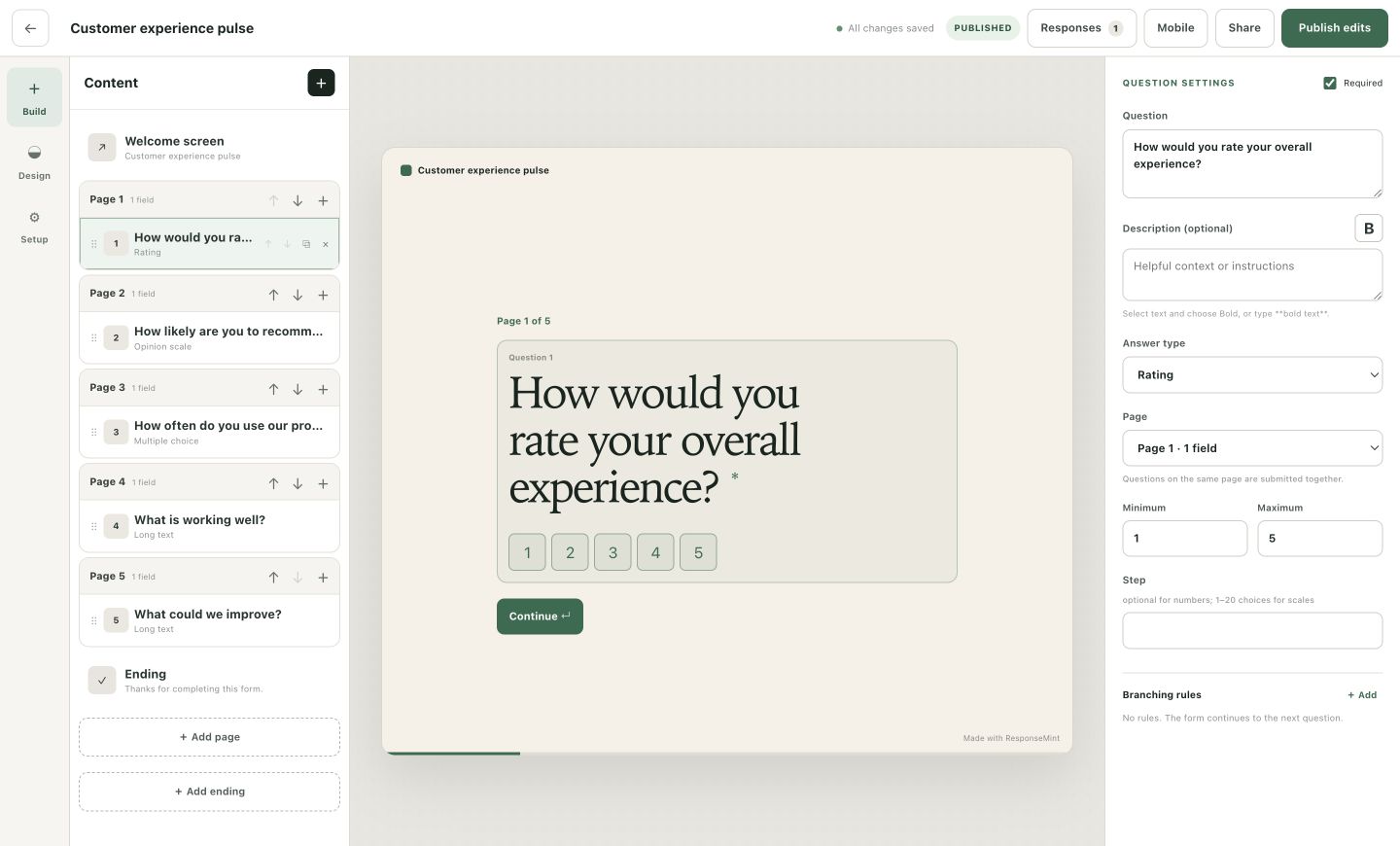
The visual builder previews each welcome screen, question, answer control, and ending while you work—so awkward wording does not wait until launch.
Questions buyers ask
No vague promises. These answers describe the product you can use today.
Each screen focuses on one question or message, with a clear next action, progress, keyboard and touch support, conditional paths, and intentional endings.
No. A published form opens from its public link or embed and can be answered without a ResponseMint account.
Yes, when save progress is enabled, in-progress answers can resume in the same browser tab.
Yes. Branching rules can route a respondent to any configured ending, including an optional follow-up button or redirect.
A calmer way to ask
Free to start · No card required