Listen at the right moment
Use onboarding, post-service, support, renewal, or needs-assessment forms when the experience is still specific.
Built for customer teams
Customer teams need more than a quarterly score. ResponseMint helps you ask at the right moment, follow the answer, and keep the customer’s words available for the next conversation.
For the team that follows up
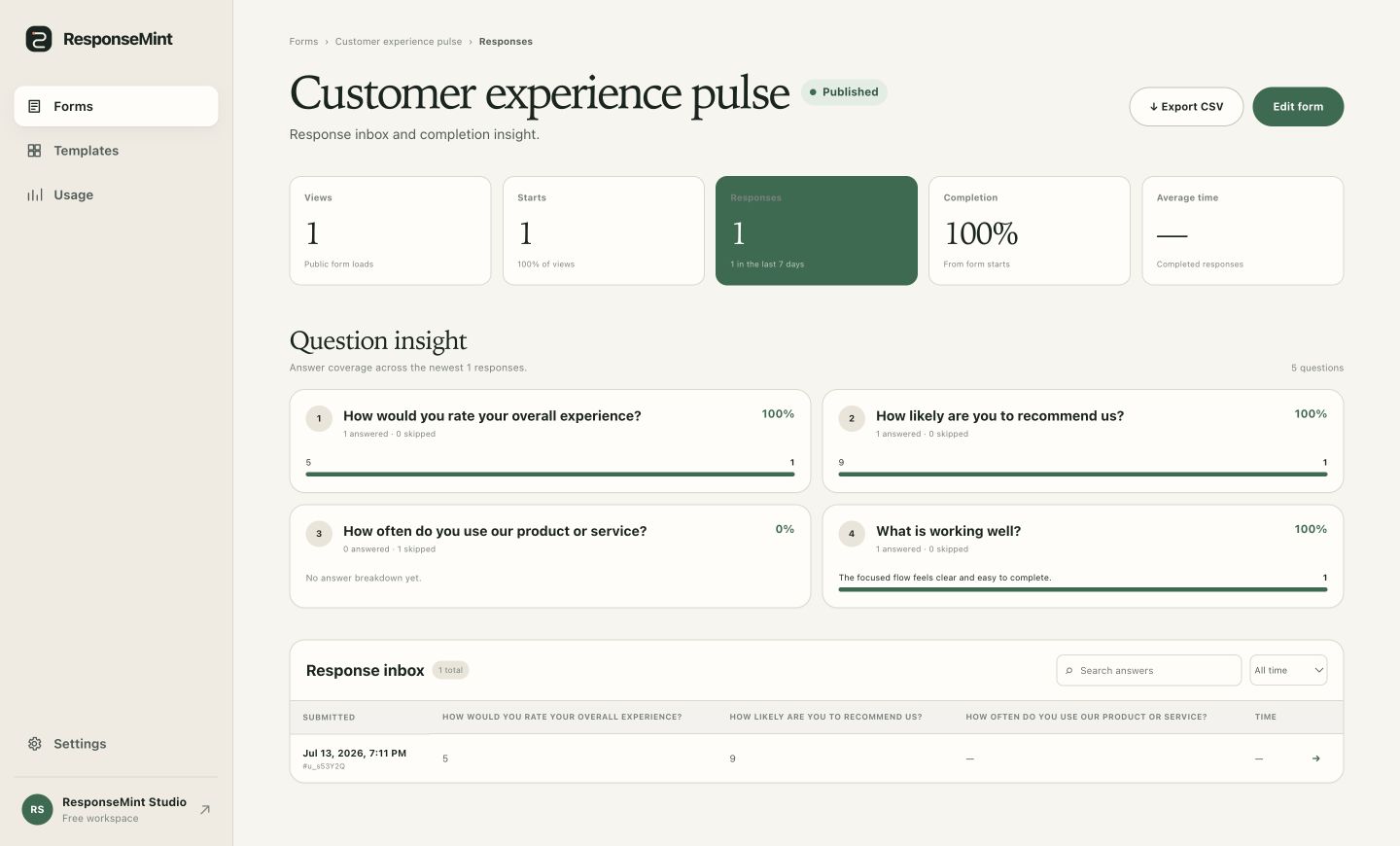
Feedback with an owner
Design the form around the action your team can take after a strong signal, a weak signal, or a detailed request.
Use onboarding, post-service, support, renewal, or needs-assessment forms when the experience is still specific.
Ask different questions and show different endings for praise, friction, an unresolved issue, or a new need.
Search the inbox and read the complete answer with its form and source context before following up.
What you can do
Start from satisfaction, post-service feedback, complaints, referrals, intake, and needs assessments.
Use branching to ask what would make the situation right when an answer signals friction.
Give a satisfied customer a referral, review, or next-step path without showing it to everyone.
Capture configured campaign, account, or interaction references through hidden URL parameters.
Find the response that matters and open its full set of answers and uploads.
Keep earlier customer responses understandable after the team improves the next survey.
A practical workflow
The right question depends on what the team is prepared to do with each likely answer.
Anchor the form to onboarding, service delivery, a support outcome, or another specific experience.
Use a rating, scale, yes/no, or focused choice that the team can interpret consistently.
Collect the reason, desired recovery, or next need only where it applies.
Read the response in context and carry the complete history into the next workflow.
Questions buyers ask
No vague promises. These answers describe the product you can use today.
Yes. Branching can route each answer to a later question or a dedicated ending.
Configured hidden URL parameters can preserve approved context with the response.
Yes. The response inbox supports searching and opening individual submissions.
Native help-desk integrations and the public API are not shipped yet. Teams can review responses in ResponseMint and export CSV today.
Start with one useful question
Free to start · No card required