Choose a starting point, write the questions, and preview every path.
The ResponseMint workflow
A better form from first draft to next decision.
Build the conversation, publish it without risking the live experience, and understand each answer in the context it was given.
Build your first form →Release a safe new version behind one stable public link.
See completion, open responses, and carry the useful context forward.
01 · Build the conversation
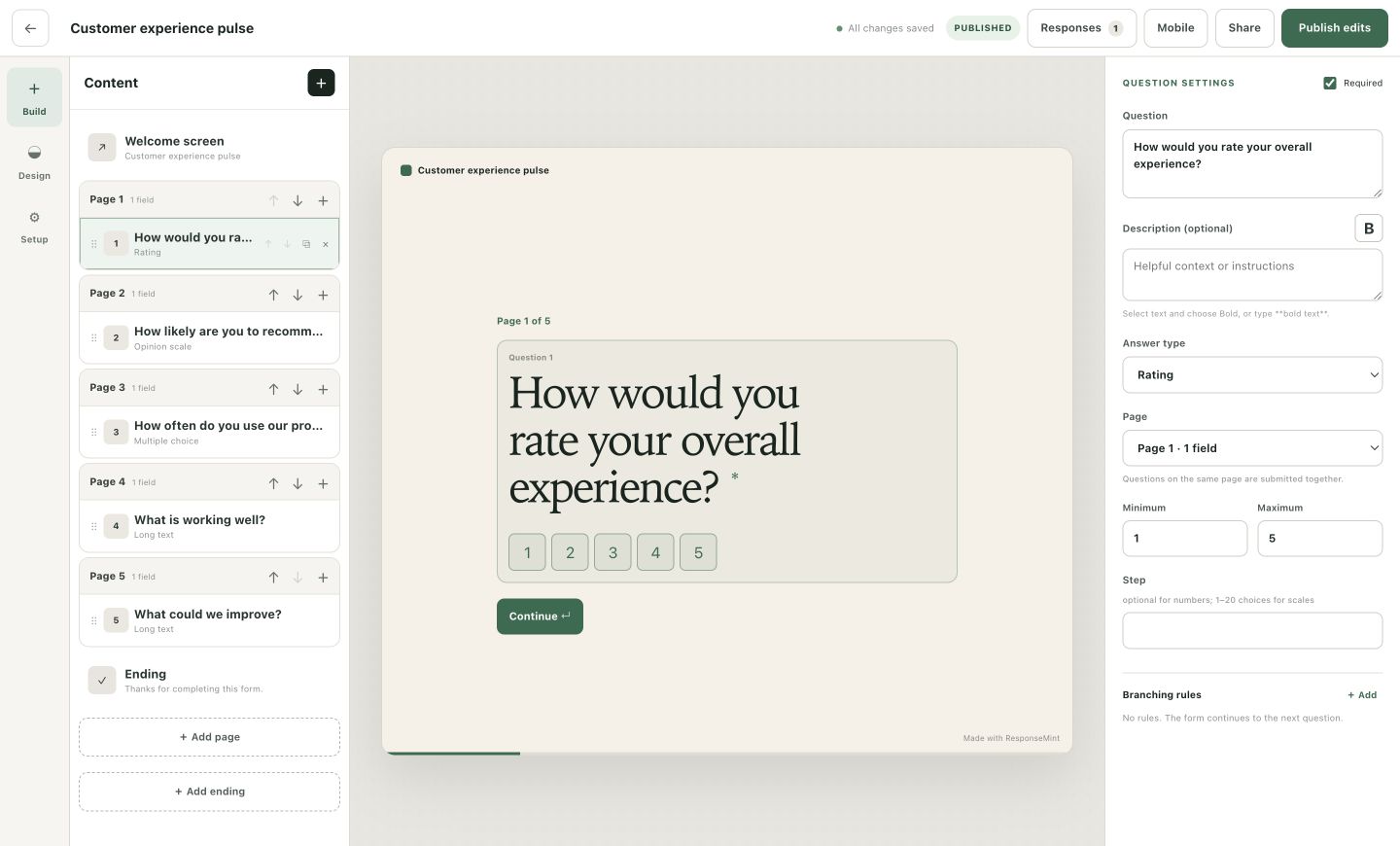
Start visually. Keep the whole form in view.
The builder puts content, live preview, and question settings together. Add any question type, reorder the flow, create endings, and introduce branching only where it removes irrelevant work.
- Autosaved drafts
- Welcome screens and custom endings
- Ratings, choices, text, consent, files, and more
- Desktop and mobile preview
02 · Publish deliberately
Improve the draft without changing the live form.
Save as often as you like. Publish only when the next version is ready. The public link stays stable while historical responses remain tied to the questions people actually saw.
Explore versioned publishing →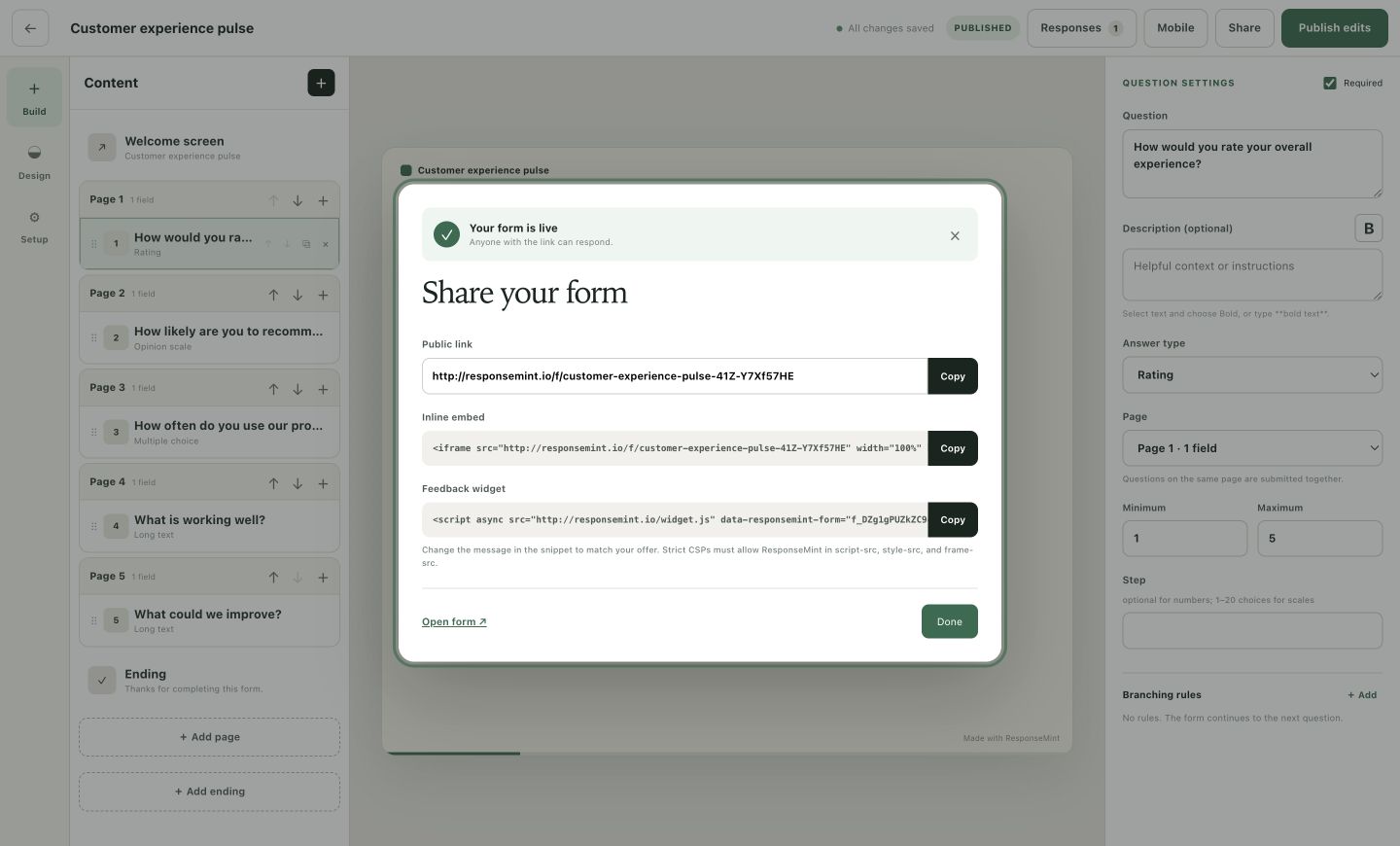
03 · Learn from the response
See what happened, then open the answer behind the number.
ResponseMint brings views, starts, completion, question insight, and the response inbox into one workspace. Search answers, inspect the original version, and export the complete history to CSV.
Explore response analytics →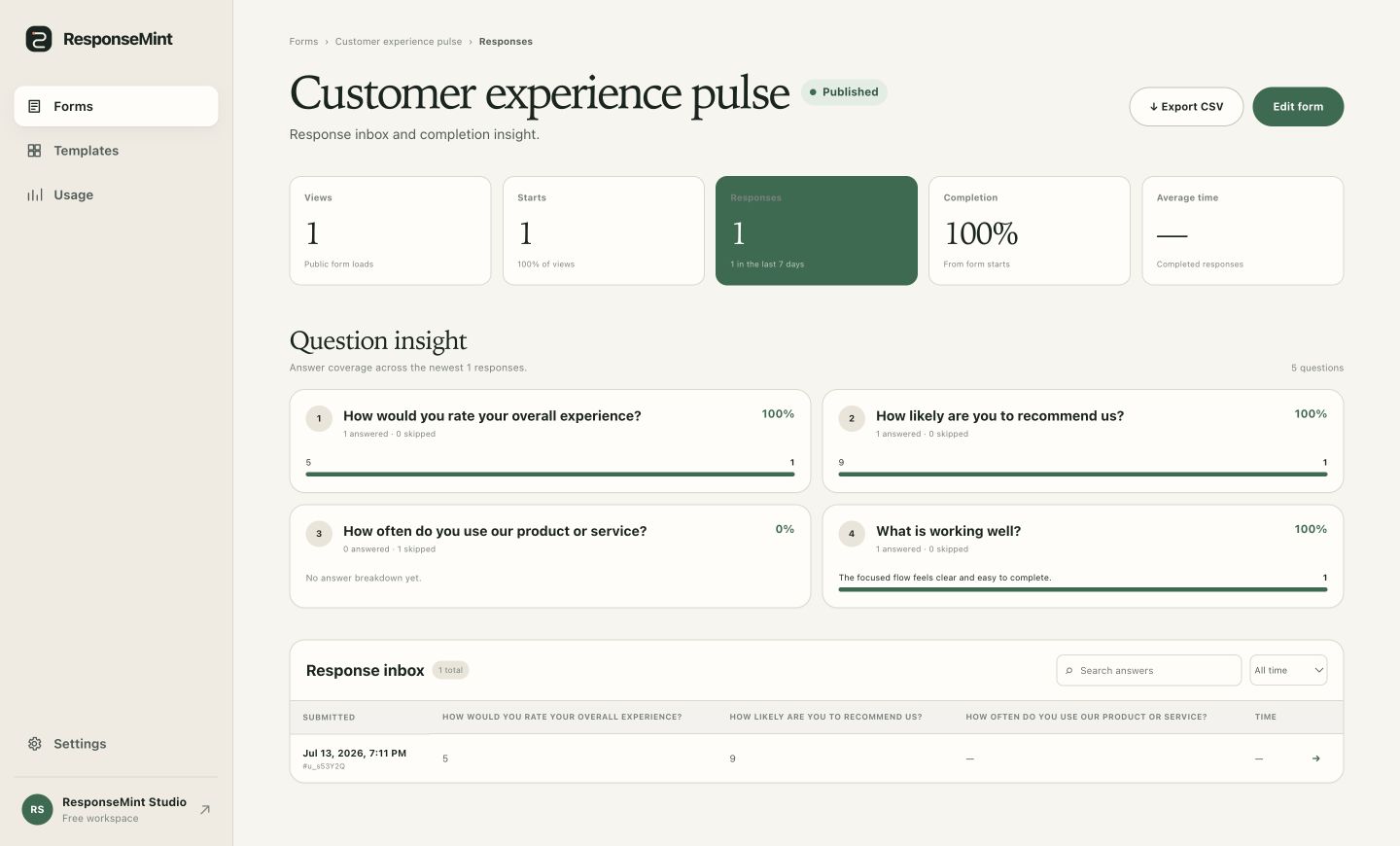
Useful starting points
Different questions. The same thoughtful workflow.
Learn what worked and what needs attention.
Use ratings to understand the signal, open answers to understand the reason, and simple branching to ask the right follow-up.
Explore this solution →Turn interest into a useful next conversation.
Collect contact details, route by need or fit, and keep campaign parameters with the response.
Explore this solution →Collect structured detail without creating paperwork.
Combine choice, text, consent, and file-upload questions in a focused one-question flow.
Explore this solution →Start closer to done
Your first useful response starts with one clear question.
Build for free →100 completed responses a month · No card required