Start with the sector
Choose from 250 templates across 25 sectors for feedback, intake, requests, quotes, registration, applications, referrals, incidents, and needs.
Built for small teams
Create a professional form, publish one reliable link, and understand the answers without stitching together a builder, survey tool, spreadsheet, and custom landing page.
The small-team advantage
Professional without the project
Start from a useful template, adapt it to the customer conversation, and keep the answers ready for the next task.
Choose from 250 templates across 25 sectors for feedback, intake, requests, quotes, registration, applications, referrals, incidents, and needs.
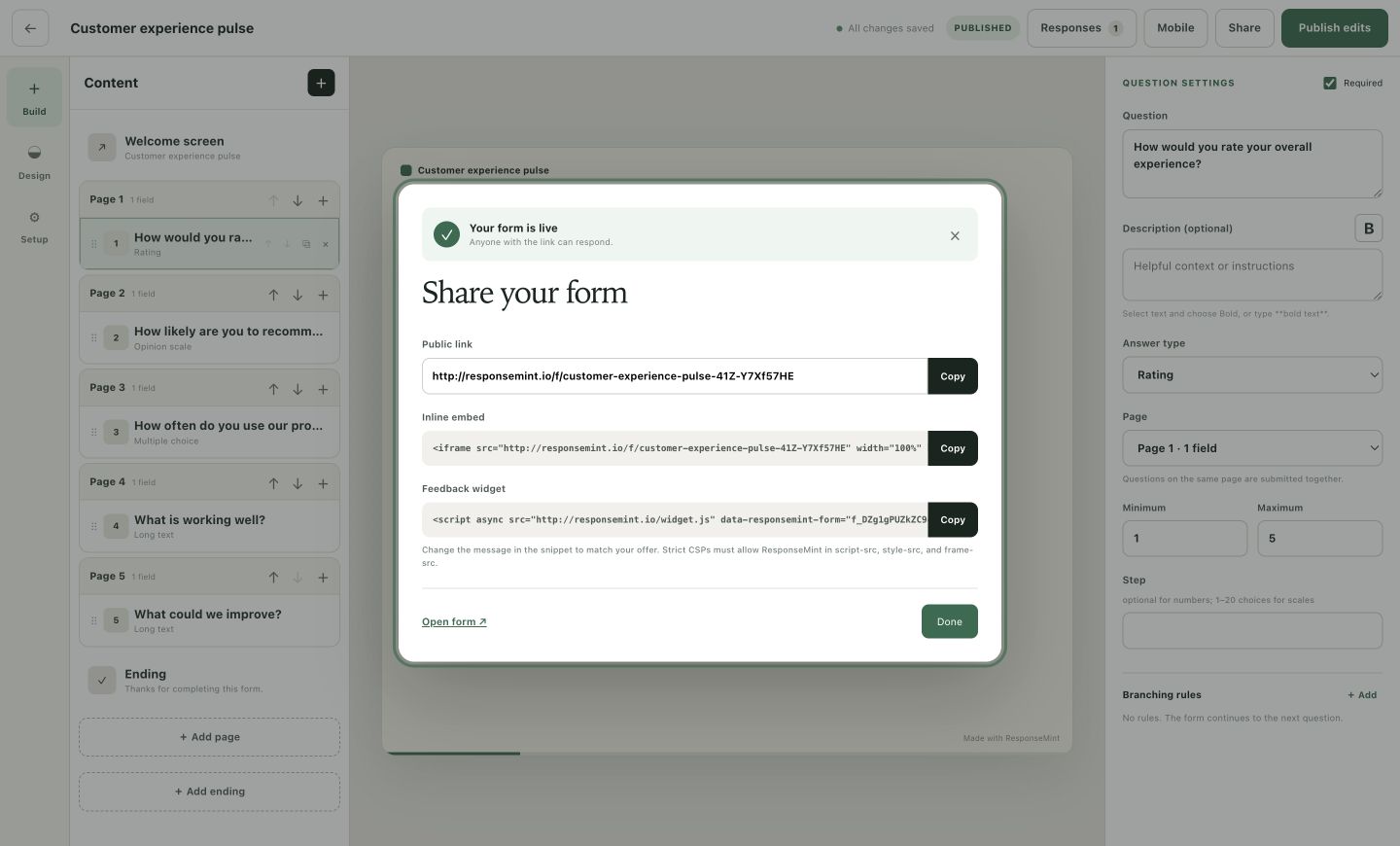
Edit questions, design, logic, endings, and sharing from one focused visual workspace.
Search responses in ResponseMint and export the complete history to CSV whenever the business needs it elsewhere.
What you can do
Collect the service, timing, contact, budget, location, and supporting detail needed for a useful reply.
Gather preferences and practical context before an appointment, project, stay, or service visit.
Ask how the experience felt, follow the answer, and offer the right next step.
Collect structured details, consent, dates, and optional documents in a focused flow.
Publish improvements behind the same public URL and share it directly or embed it.
See views, starts, completion, timing, question coverage, and individual submissions together.
A practical workflow
The template provides the useful first draft; the visual builder turns it into your customer experience.
Start with the sector and outcome that match the job instead of a generic blank survey.
Change the wording, remove unnecessary questions, add the right contact or file field, and choose a clear ending.
Check desktop and mobile, then publish the stable link or embed.
Search submissions, open the full response, and export the history when needed.
From template to experience
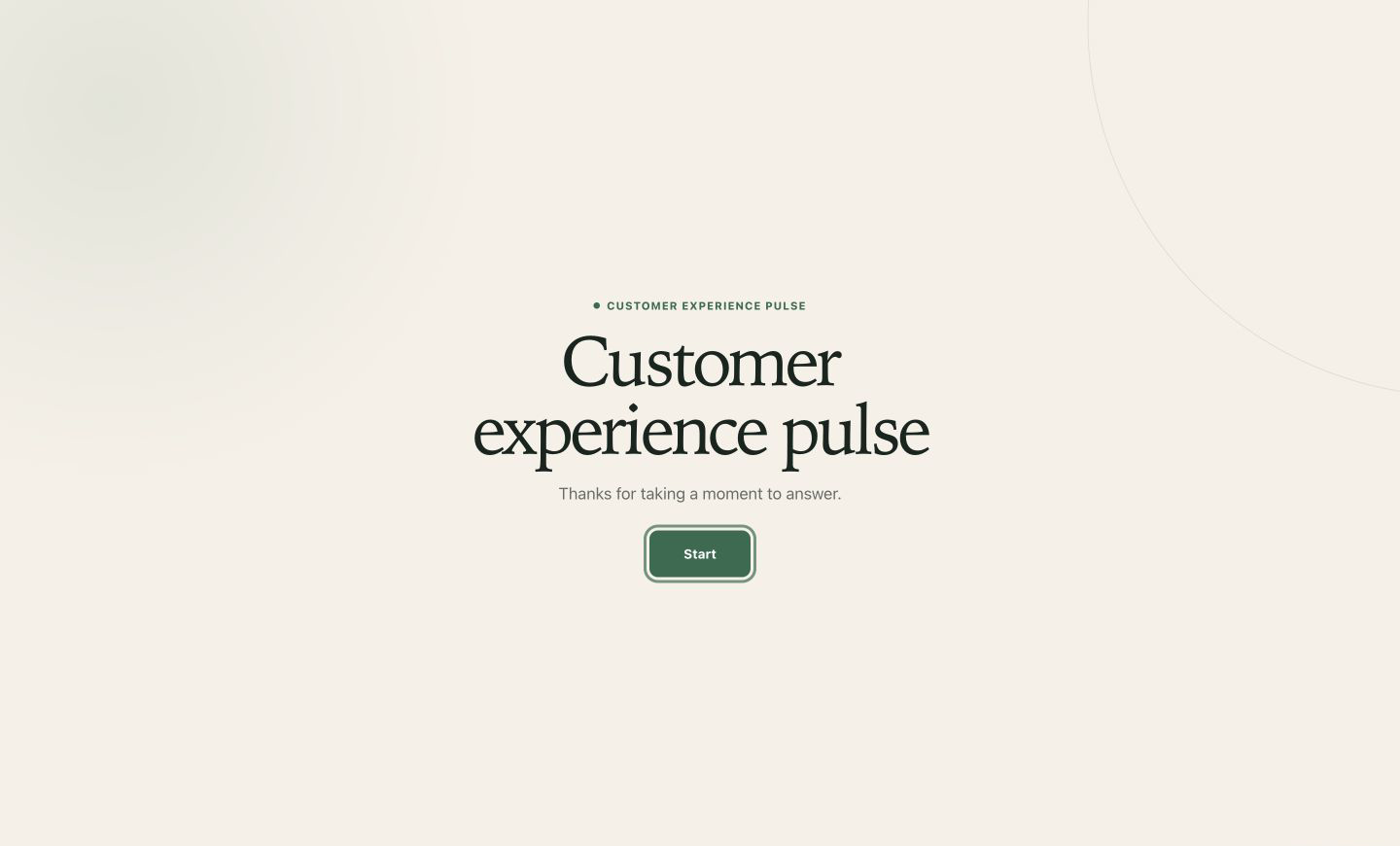
Every starting point becomes an editable ResponseMint form with your wording, design, logic, and next step.
Questions buyers ask
No vague promises. These answers describe the product you can use today.
Yes. ResponseMint includes 250 ready-to-edit templates across 25 sectors and 10 common form outcomes.
No. Building, design, logic, preview, publishing, sharing, response review, and CSV export are available in the product interface.
Yes. A published form provides an inline iframe snippet and a lightweight feedback widget snippet.
Yes. You can start without a card. See the pricing page for the current response allowance and Pro preview.
Start with one useful question
Free to start · No card required