Move from outline to working form
Add welcome screens, questions, content, and endings in one visible sequence instead of assembling the experience across separate dialogs.
Visual form builder
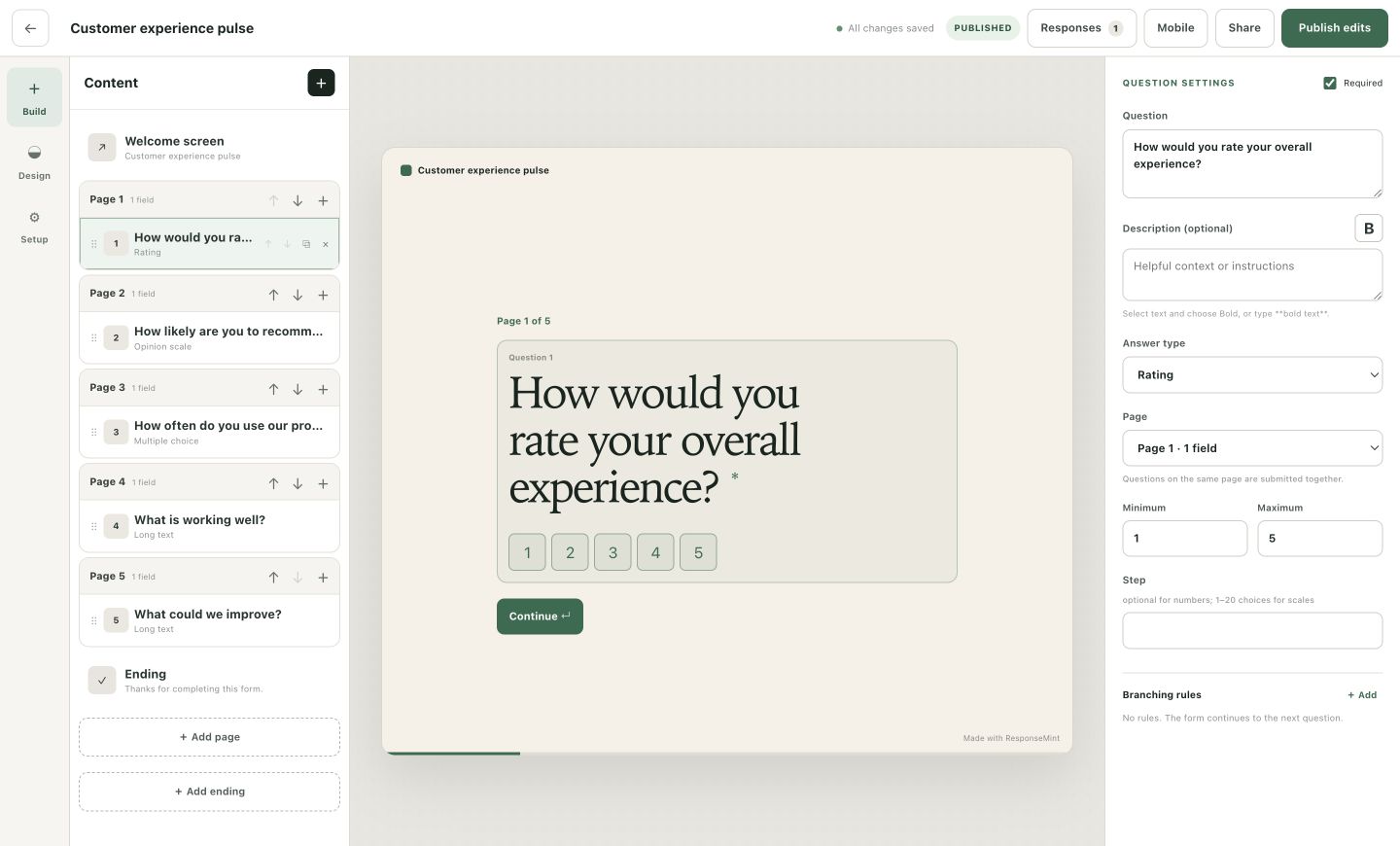
Write the question, shape the path, and see the respondent experience at the same time. ResponseMint keeps your content map, live preview, and settings together so a sophisticated form never turns into a logic spreadsheet.
Why teams choose it
Sell the idea, not the tool
A good builder helps your team agree on the questions, the order, and the next step before a live respondent finds the gaps.
Add welcome screens, questions, content, and endings in one visible sequence instead of assembling the experience across separate dialogs.
Switch between desktop and mobile preview, inspect every field, and make the form understandable before you share the public link.
Route by an answer, skip what is irrelevant, or choose a different ending while keeping every target visible in the same content outline.
What you can do
Use short and long text, email, phone, number, date, multiple choice, dropdown, yes/no, consent, rating, opinion scale, file upload, and answerless content blocks.
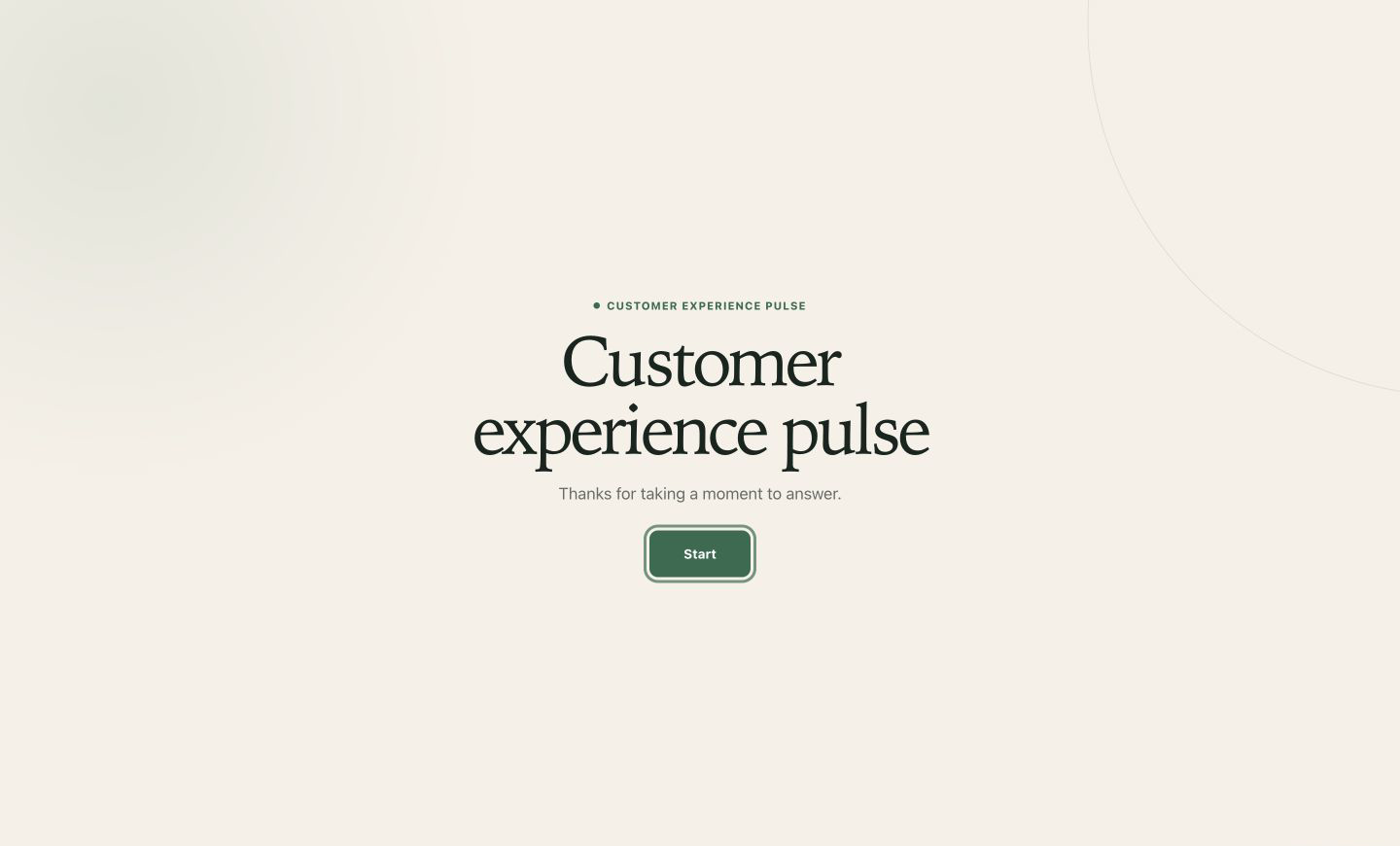
Set the opening context, button label, default ending, outcome-specific endings, follow-up buttons, and optional redirects.
Select any block and see the real respondent layout immediately, including question numbers, descriptions, answer controls, and progress.
Check how the conversation reads on a wide screen and in the focused mobile frame before you publish it.
Drag or move questions, duplicate a useful block, edit choices in place, and remove outdated content without rebuilding the form.
Create answer-based rules for choice, text, number, date, yes/no, and consent fields, then route forward to a question or a specific ending.
Choose required answers, character limits, numeric ranges, scale steps, multiple selection, placeholders, accepted file types, and upload limits.
Choose colors and themes, show a bar or percentage, change the submit label, save progress, set redirects, and capture hidden URL parameters.
Keep writing while the draft saves in the background. Publishing remains a deliberate action, so normal editing does not surprise the live audience.
A practical workflow
The fastest path is not adding every possible question. It is making the next decision clear, then collecting only what supports it.
Decide what should happen after a qualified lead, a support issue, a positive rating, or an incomplete application.
Start with a template or blank form, add the essential questions, and put them in the order a real person would expect.
Branch only when an answer should change the next question or ending. The content outline keeps the path reviewable.
Check desktop and mobile, publish one stable link, then use response insight to make the next version clearer.
What the builder is for
Respondents see one clear question at a time—not your branching rules, settings, or content map. The builder holds the complexity so the experience can stay calm.
Questions buyers ask
No vague promises. These answers describe the product you can use today.
No. Questions, choices, validation, design, branching, endings, redirects, hidden parameters, preview, and publishing are configured in the visual workspace.
ResponseMint currently includes 14 blocks: short text, long text, email, phone, number, date, multiple choice, dropdown, yes/no, consent, rating, opinion scale, file upload, and answerless content.
Yes. Branching rules can send a respondent to a later question or to a specific ending. The builder prevents rules from jumping backward into an invalid path.
No. Draft changes autosave, but the public form changes only when you publish the next version deliberately.
See your first question take shape
Free to start · No card required